


Something shifted in WordPress over the past few weeks.
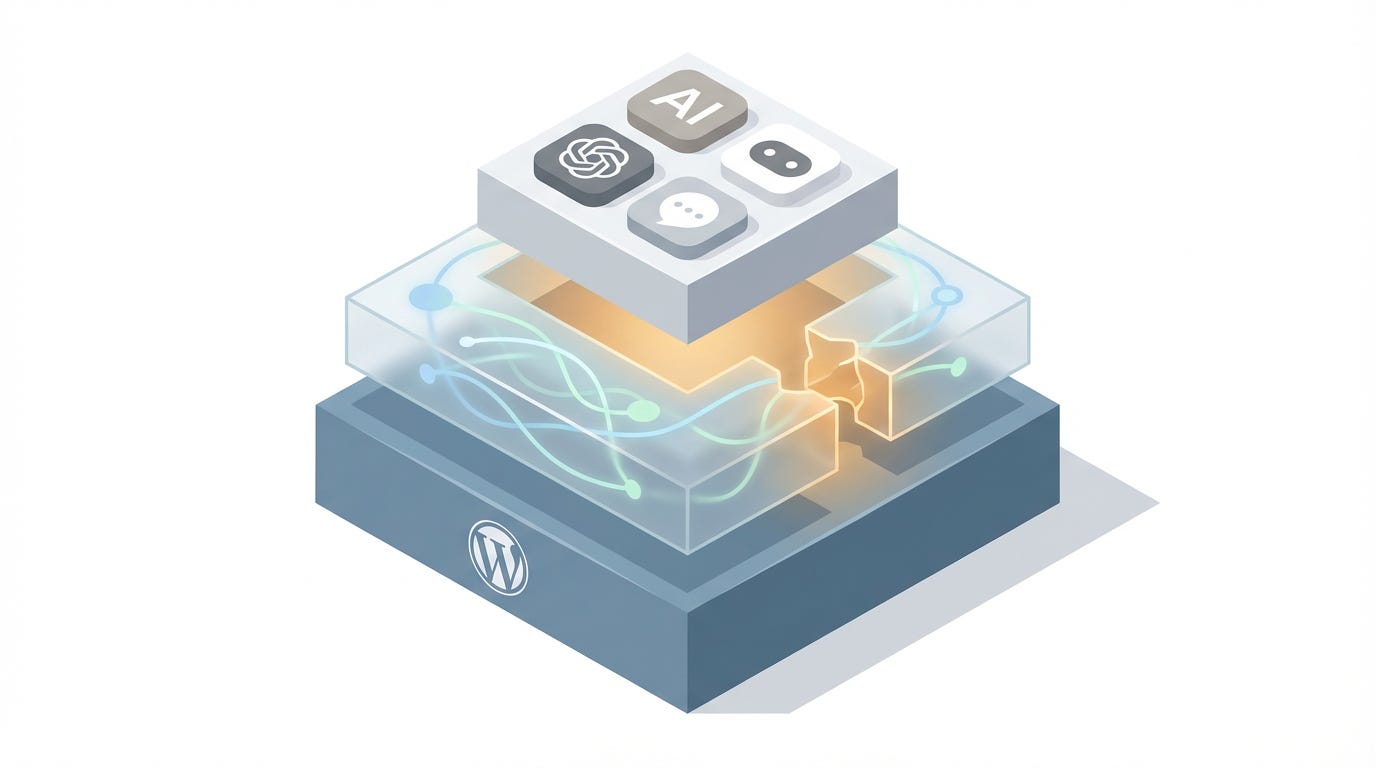
Not a plugin update or a theme release. Something more fundamental. WordPress is becoming AI-native —> and the pieces are falling into place faster than most people realize.
If you’re a developer managing WordPress sites, or a site owner wondering what all the MCP talk means, here’s what’s actually happening and what you can do with it today.
Disclaimer: Parts of this article have been written with the help of Claude Opus 4.6 and based on my work and codebase of Respira for Wordpress, a plugin and MCP that teach Cursor (or any AI text-to-code tool) how to speak the language of Divi, Elementor and other 8 most popular WordPress page builders to safely edit your live site through prompting.
The news, in order
February 4, 2026 — The WordPress Developer Blog published “From Abilities to AI Agents,” introducing the official MCP Adapter. This bridges WordPress’s new Abilities API (shipped in WordPress 6.9) to the Model Context Protocol, the open standard Anthropic created for connecting AI systems to external tools. Any WordPress plugin can now register abilities that AI assistants discover and execute automatically.
February 5, 2026 — WordPress.com launched its Claude Connector, covered by TechCrunch. You can now connect Claude directly to your WordPress.com site through the Connectors directory. Ask about your traffic, query your comments, check plugin status — all through conversation. Read-only access for now, with write capabilities planned.
February 8, 2026 — WordPress 7.0 Beta 1 was confirmed for February 19, with the final release targeted for April 9 at WordCamp Asia. This is the big one. WordPress 7.0 brings real-time collaboration (Google Docs-style), the Abilities API moving deeper into core, MCP Adapter support, and a WP AI Client that gives WordPress a provider-agnostic way to call AI services natively.
Also happening — WooCommerce published MCP integration documentation, exposing store operations (orders, products, customers) as MCP tools through the Abilities system. The WordPress AI Team meets bi-weekly on Slack (#core-ai), actively coordinating the merge of AI building blocks into core ahead of the beta.
This is not incremental. This is WordPress building a standardized AI interface into its foundation.
What each piece actually does

Let me break this down practically, because the terminology gets tangled fast.
The Abilities API is the foundation layer. It lets WordPress core, plugins, and themes register what they can do in a machine-readable format. Think of it as WordPress creating a menu of capabilities that any system — human or AI — can browse and invoke. Introduced in WordPress 6.9, it’s becoming central to how WordPress interacts with the outside world.
The MCP Adapter sits on top of Abilities. It translates those registered capabilities into the Model Context Protocol format, so AI tools like Claude Desktop, Cursor, Claude Code, and VS Code can discover and use them. If your plugin registers an ability, the MCP Adapter makes it available to AI assistants without extra integration work.
The WordPress.com Claude Connector is the consumer-facing implementation. WordPress.com users connect Claude to their sites through a simple OAuth flow. Currently supports querying site data — analytics, content, comments, settings. It’s the “Claude, tell me about my site” experience. Write access is coming.
Third-party MCP servers — several exist on npm and GitHub (InstaWP, Meow Apps AI Engine, and others). They connect AI assistants to the WordPress REST API for managing posts, pages, plugins, media. Standard CRUD operations. Some are quite mature.
Together, this creates a real ecosystem. Not a single tool — a layered infrastructure that developers and AI tools can build on.
The gap that’s still open
Here’s where it gets interesting — and where I need to be honest about my own work, because I built something specifically for this.
All of the solutions above work through the WordPress REST API. The REST API understands WordPress core data structures. Gutenberg blocks, posts, pages, taxonomies, settings — it handles all of that well.
But roughly 40% of WordPress sites don’t use Gutenberg as their primary editor. They use page builders. Divi, Elementor, WPBakery, Bricks, Oxygen, Beaver Builder, and others.
These builders store content in proprietary formats. Divi uses shortcodes with a specific module structure. Elementor stores everything as JSON blobs. Bricks has its own element format. When you ask the REST API to read a Divi page, you get raw shortcode soup. When you try to write to it, you’re likely to break the layout entirely.
This means that right now, if you’re a developer using Cursor or Claude Code and your client’s site runs Divi or Elementor, the official MCP tools can’t help you edit individual page builder modules. They can manage posts and settings, but they can’t safely change a specific button, update a hero section, or modify a pricing table at the component level.
That’s the problem I’ve been working on.
What I built for page builders

Respira for WordPress is a plugin paired with an MCP server — @respira/wordpress-mcp-server on npm — that adds two layers the current ecosystem doesn’t have:
Page builder intelligence. Respira teaches AI how each builder structures its content. Complete module-level awareness for Divi (200+ modules), Elementor (every widget and control), Gutenberg, WPBakery, Oxygen, Bricks, Beaver Builder, Brizy, Visual Composer, and Thrive Architect. When you tell Cursor to “make the hero heading larger,” Respira knows whether that’s a Divi text module, an Elementor heading widget, or a Bricks element — and generates the correct syntax for whichever builder the page uses.
Duplicate-before-edit safety. Every edit happens on a copy. AI never touches your live page directly. You review the changes, approve or reject. If you reject, nothing happened. Your original page is exactly as it was.
The MCP server connects to Cursor, Claude Code, Windsurf, or anything that supports MCP:
bash
npx @respira/wordpress-mcp-server --setupBeyond editing, the same toolset includes SEO analysis, Core Web Vitals checks, and AEO (Agentic Engine Optimization) — tools that help your site surface properly in AI-powered search engines like ChatGPT, Perplexity, and Claude.
How it fits with the official ecosystem
This is important to say clearly: Respira isn’t competing with the official WordPress AI infrastructure. It’s complementary.
The Abilities API and MCP Adapter are the right foundation. They’re being built thoughtfully, with proper permission models and extensibility. I’m working on registering Respira’s page builder tools as WordPress Abilities so they’re discoverable through the official MCP Adapter too. One plugin, visible through both paths.
The Claude Connector gives WordPress.com users a clean entry point to AI-assisted site management. When it gains write access, the page builder understanding layer becomes even more relevant — you’ll need something that knows how to write Divi syntax correctly, not just pass through generic content.
The landscape is forming. The official pieces handle Gutenberg and core WordPress beautifully. Respira handles page builders. Different tools for different architectures, same ecosystem.
What this means for WordPress developers right now
If you haven’t started experimenting with MCP and WordPress, now is genuinely the time. Here’s what you can do today:
For Gutenberg sites — Set up the WordPress MCP Adapter on a local or staging site. Register some abilities. Connect Cursor or Claude Desktop. The WordPress Developer Blog tutorial from February 4 walks through every step.
For WordPress.com sites — Enable the Claude Connector in your account settings. Start querying your site data conversationally. It’s read-only for now, but it’s a preview of where everything is heading.
For page builder sites — Install Respira on a test site, connect @respira/wordpress-mcp-server to your AI assistant, and try editing a Divi or Elementor page through natural language. Free 7-day trial, no credit card required.
For everyone — Watch the WordPress 7.0 beta on February 19. The convergence of real-time collaboration, native AI infrastructure, and MCP support makes this the most significant WordPress release in years.
WordPress has always been the most adaptable CMS. Now it’s becoming the most AI-accessible one too. The foundation is here. The pieces are connecting. The only question is what gets built on top of it.
Mihai Dragomirescu builds digital infrastructure for creators and small businesses at Respira. Follow the build-in-public journey at respira.love.